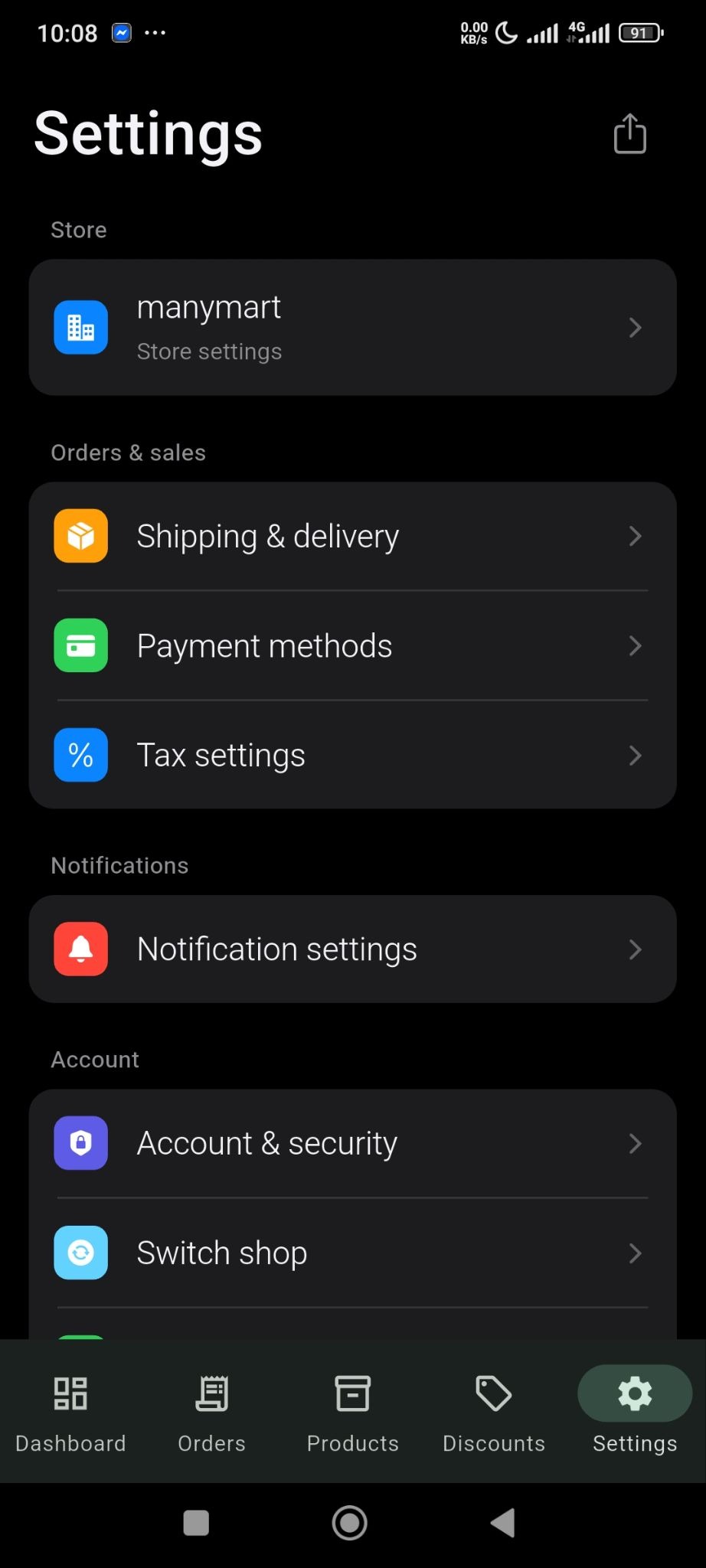
The tax setting is very straightforward in the SellBuddy app. From the Settings section, click on the Tax Settings option-
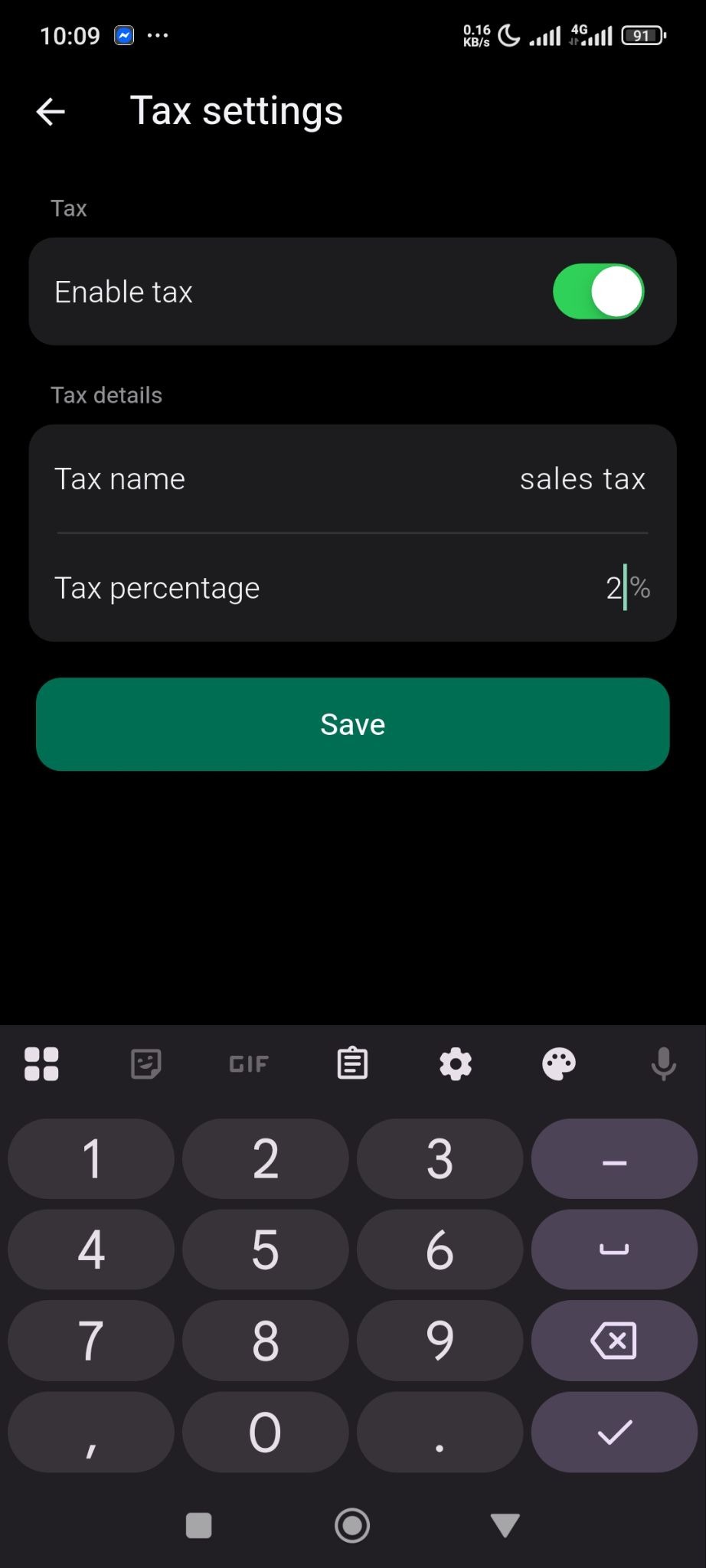
Toggle Enable Tax option,Tax Name, Tax percentage and save the changes-
That is how easy it is.

Click to generate a summary of this documentation using AI
The tax setting is very straightforward in the SellBuddy app. From the Settings section, click on the Tax Settings option-
Toggle Enable Tax option,Tax Name, Tax percentage and save the changes-
That is how easy it is.
Still stuck? How can we help? Get Help
No headings found. The table of contents will be generated automatically when you add headings to your content.
