
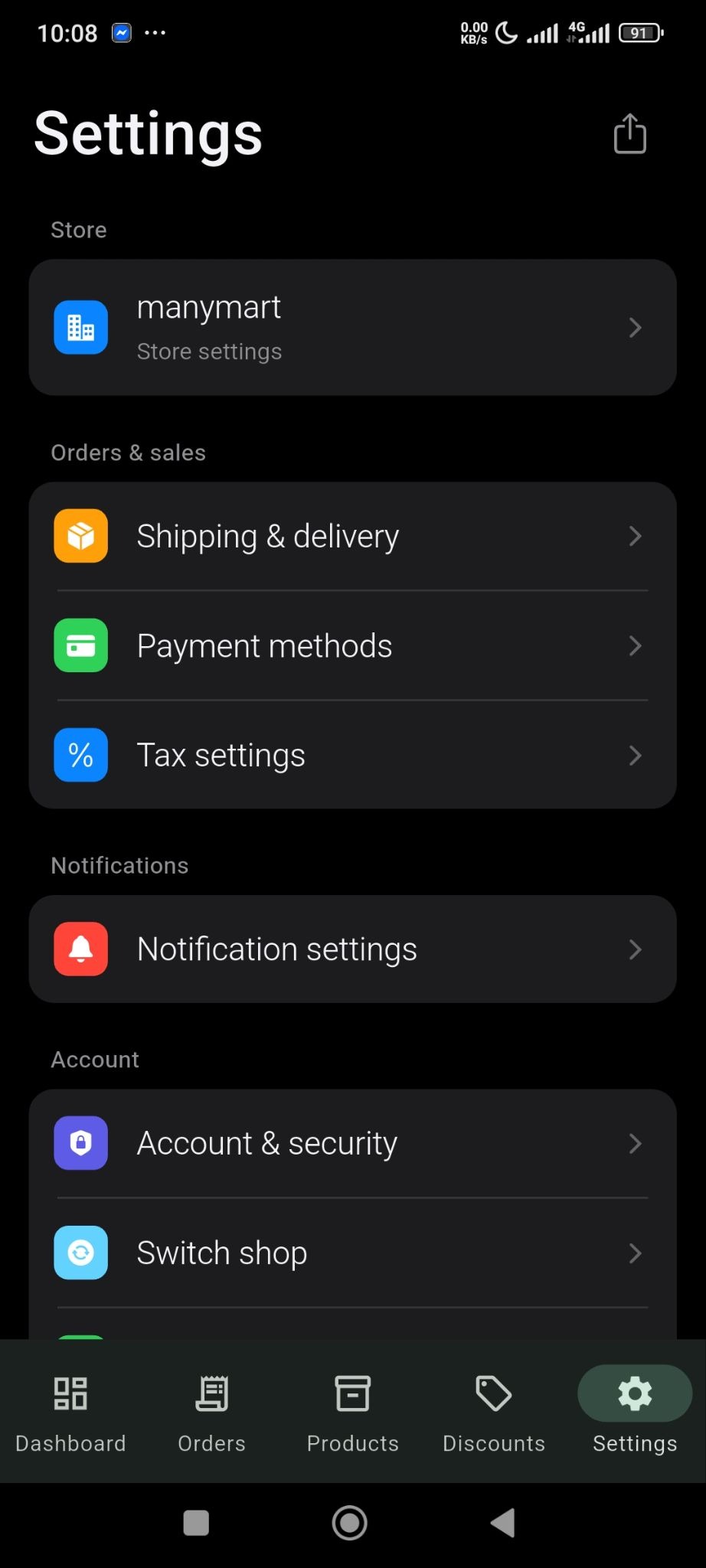
You can easily add the delivery fees from the Settings option of the SellBuddy app. Go to settings and click on the Shipping & Delivery option-
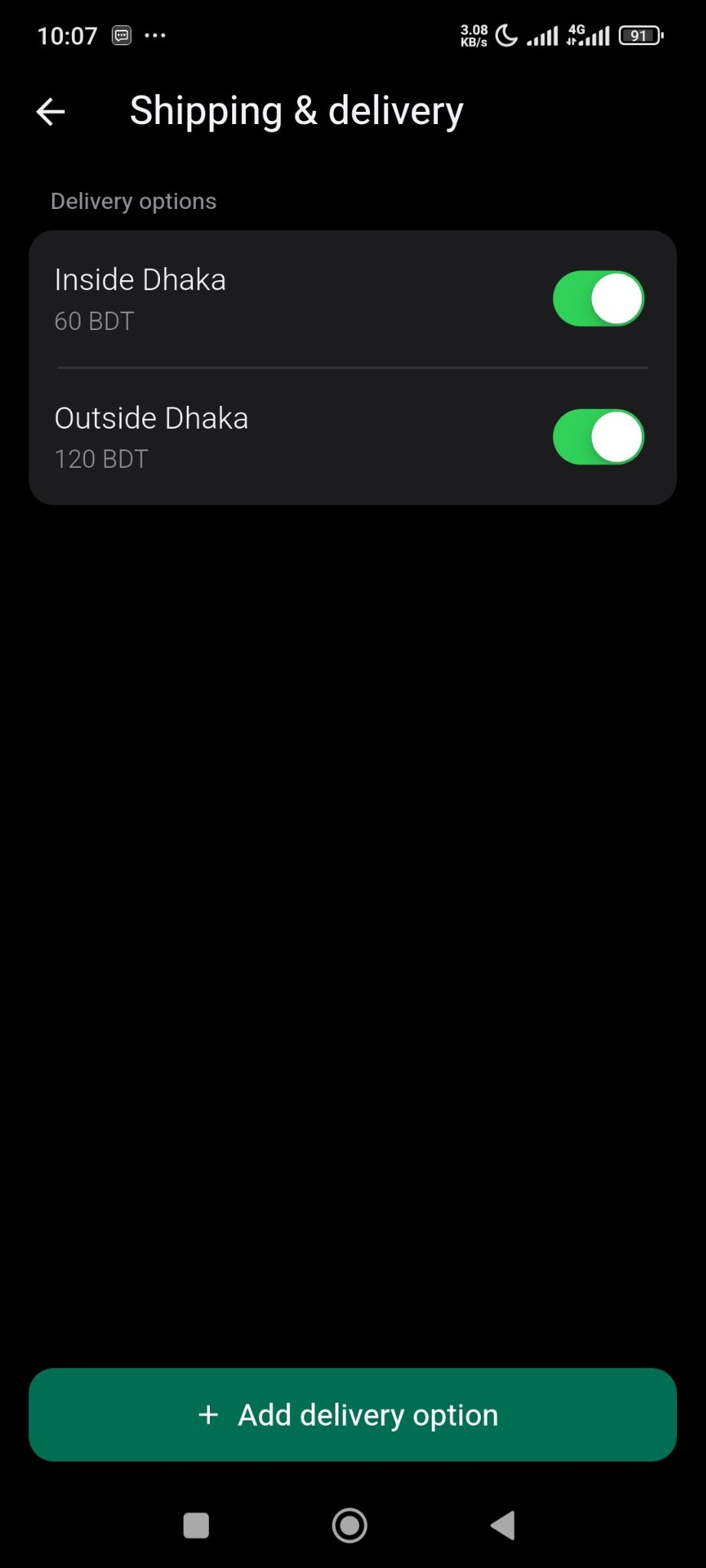
By default you will see 2 delivery options-
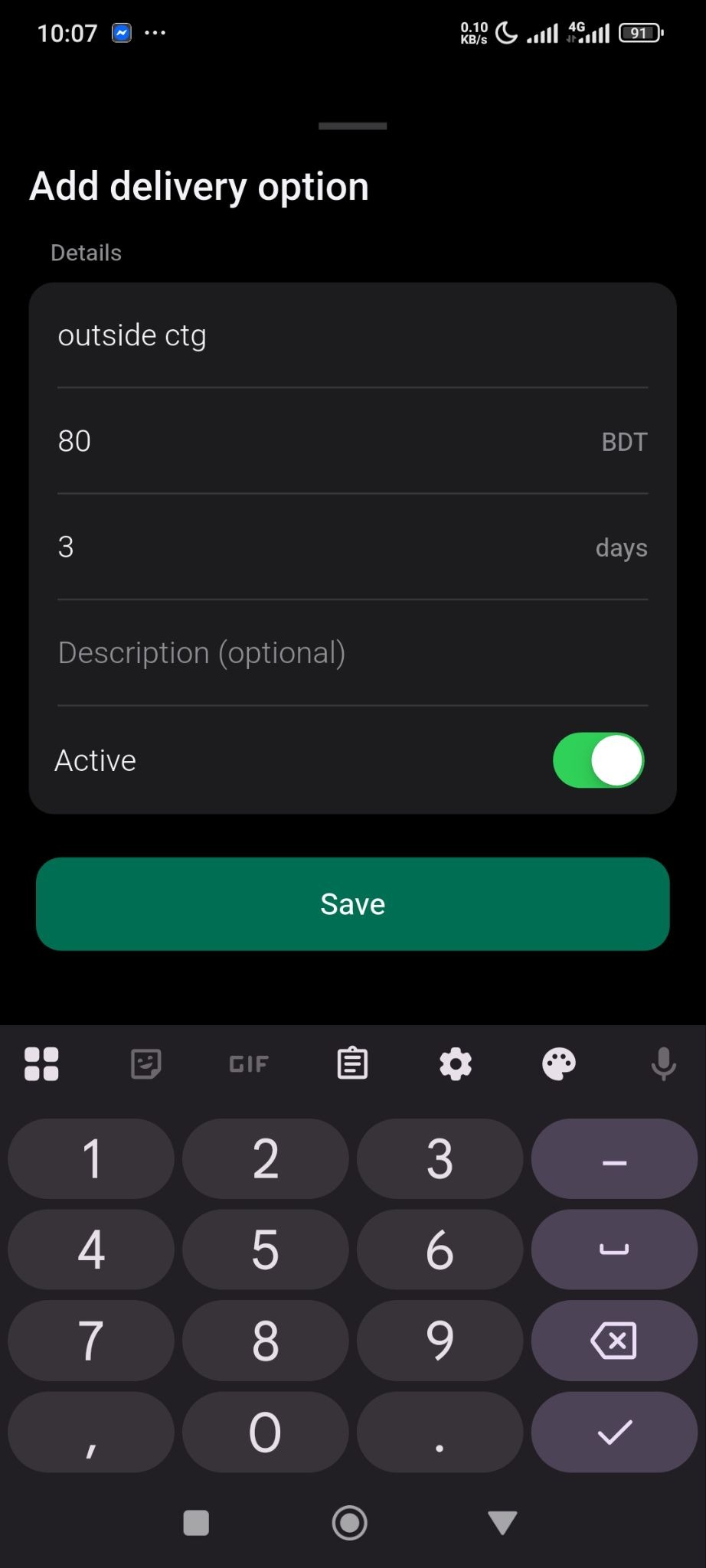
For creating new delivery fees, click on the Add Delivery option button and there add the delivery details, price, number of days for delivery and toggle the active button and save it.
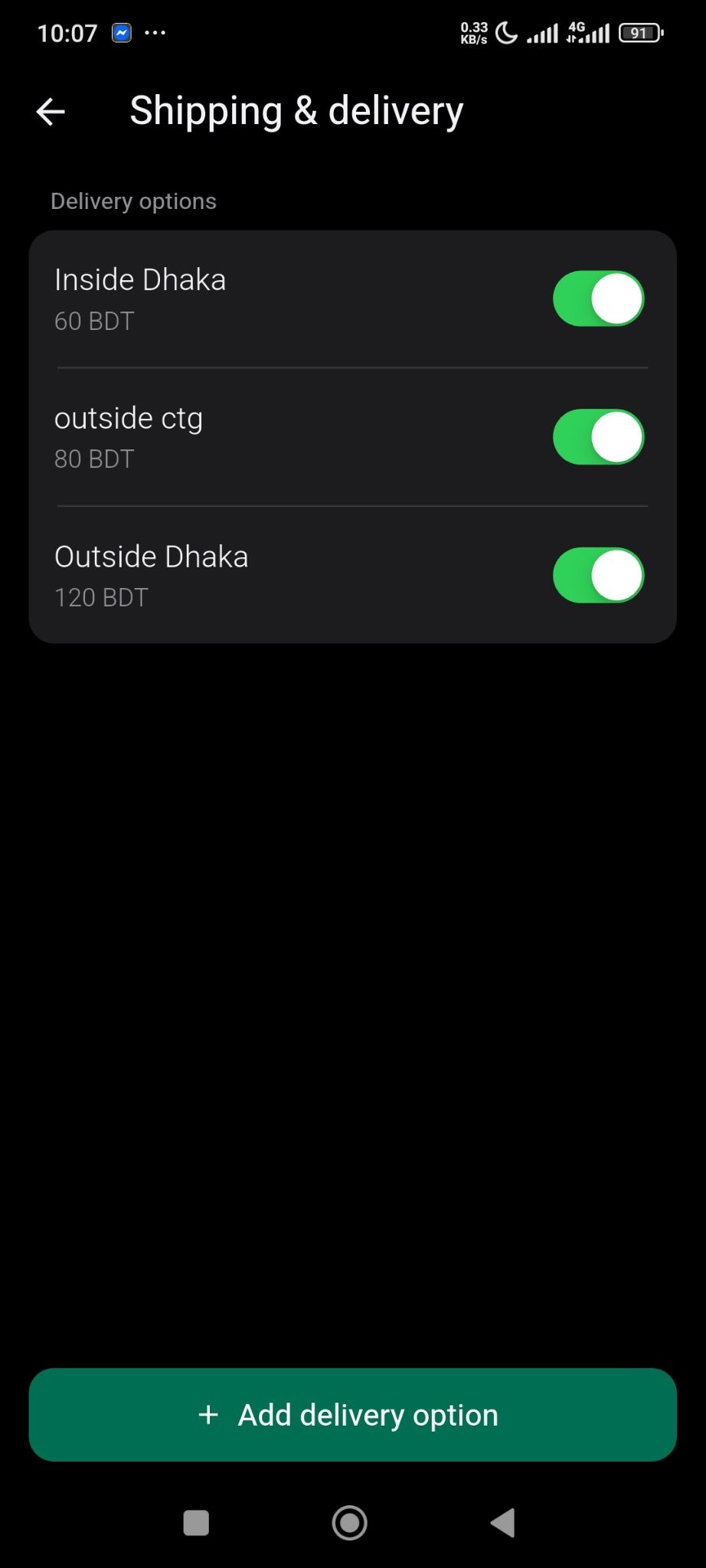
Your new delivery option is added-
This is how you can set delivery fees for your shipping.
