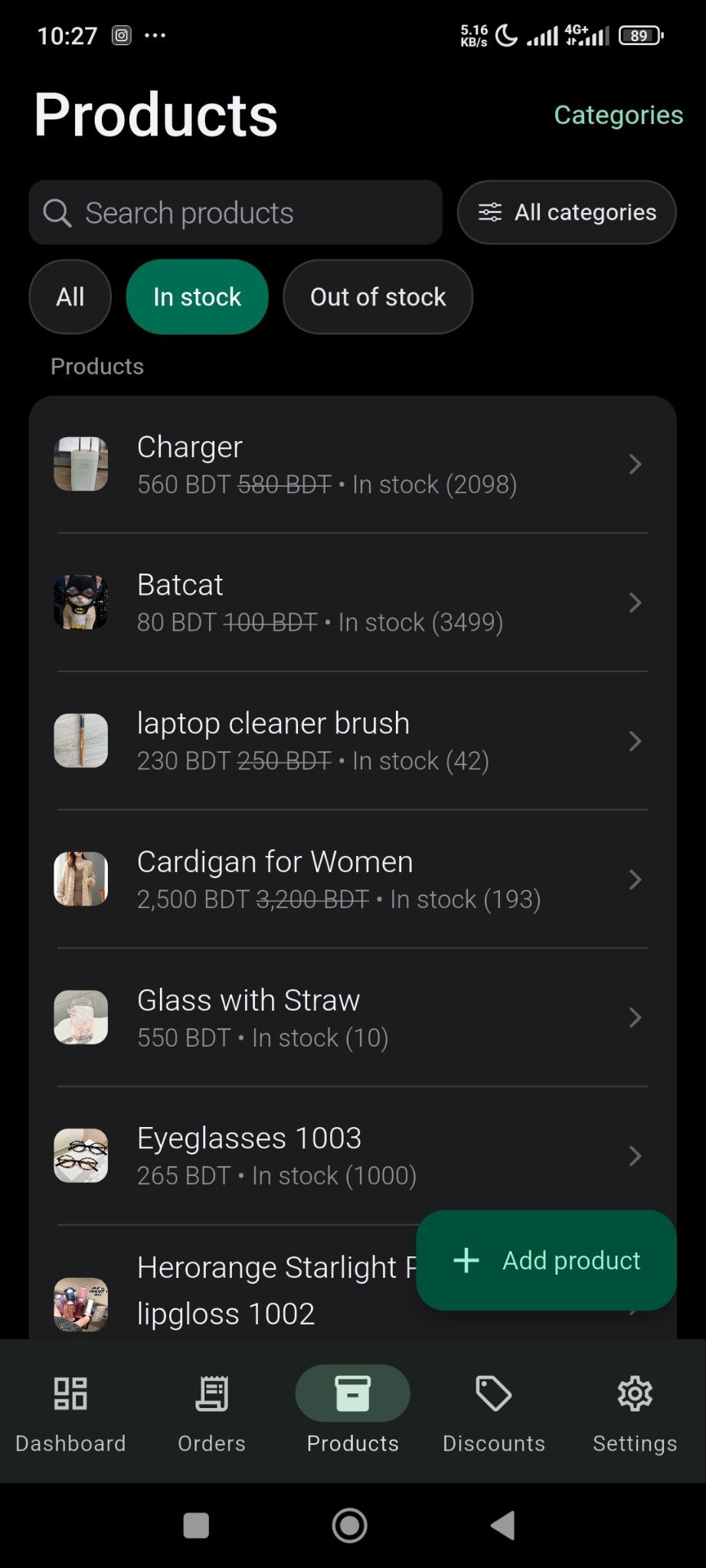
To see the stock options of products in the SellBuddy app, just click on the options in the product menu.
To see in-stock products-
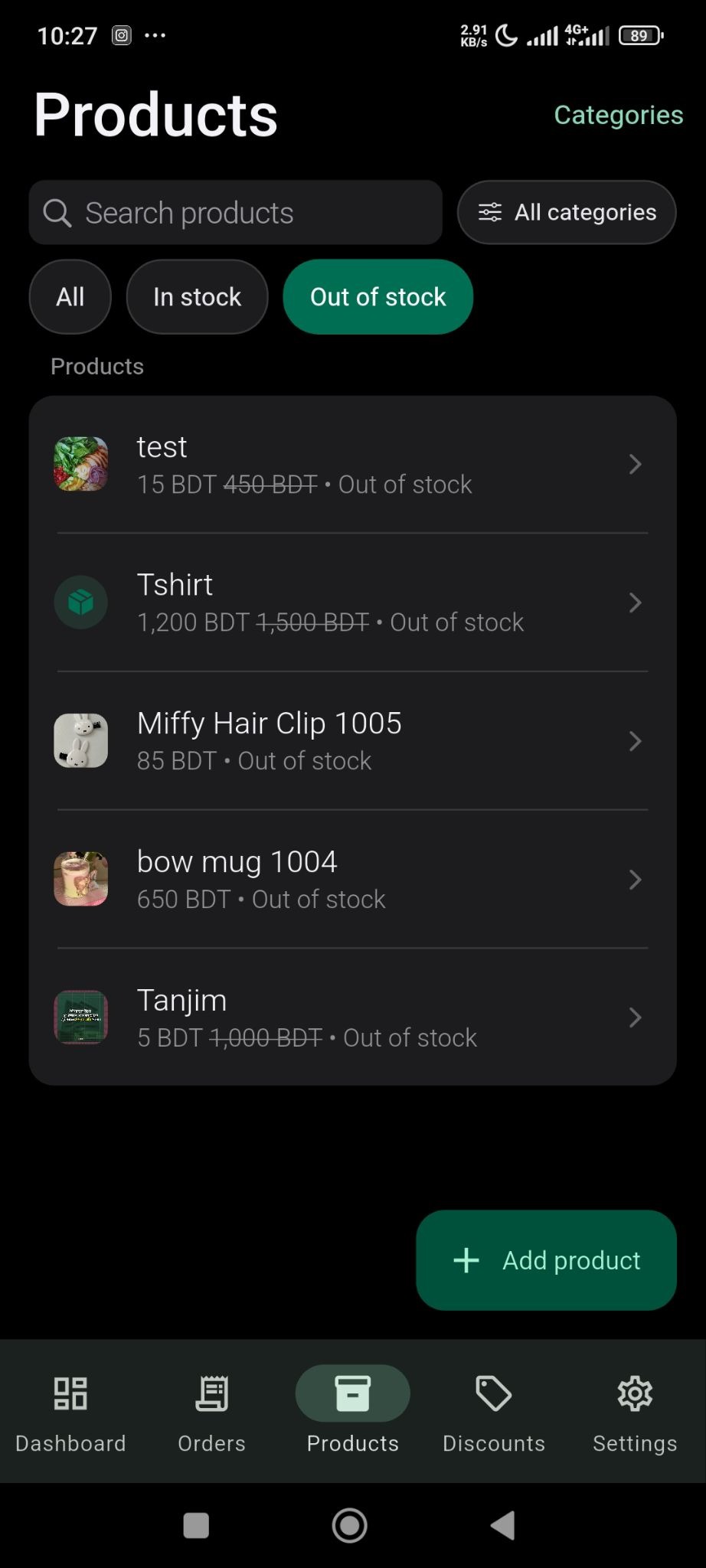
To see out-of-stock products-

Click to generate a summary of this documentation using AI
To see the stock options of products in the SellBuddy app, just click on the options in the product menu.
To see in-stock products-
To see out-of-stock products-
Still stuck? How can we help? Get Help
No headings found. The table of contents will be generated automatically when you add headings to your content.
