
To get started with SellBuddy, you need to download the app from the App Store or the Play Store.
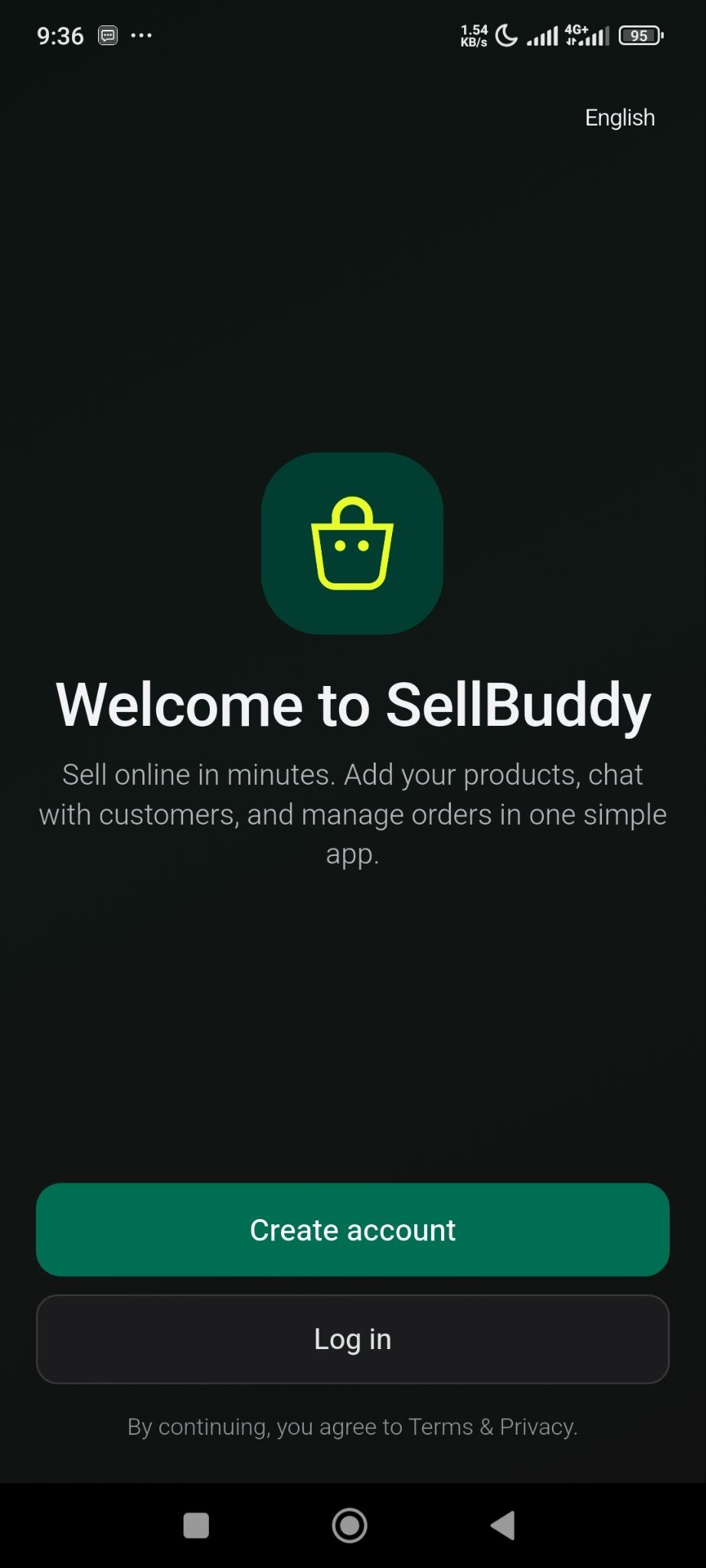
After downloading the plugin, when you open the app, you will need to create an account by clicking on the Create Account option-
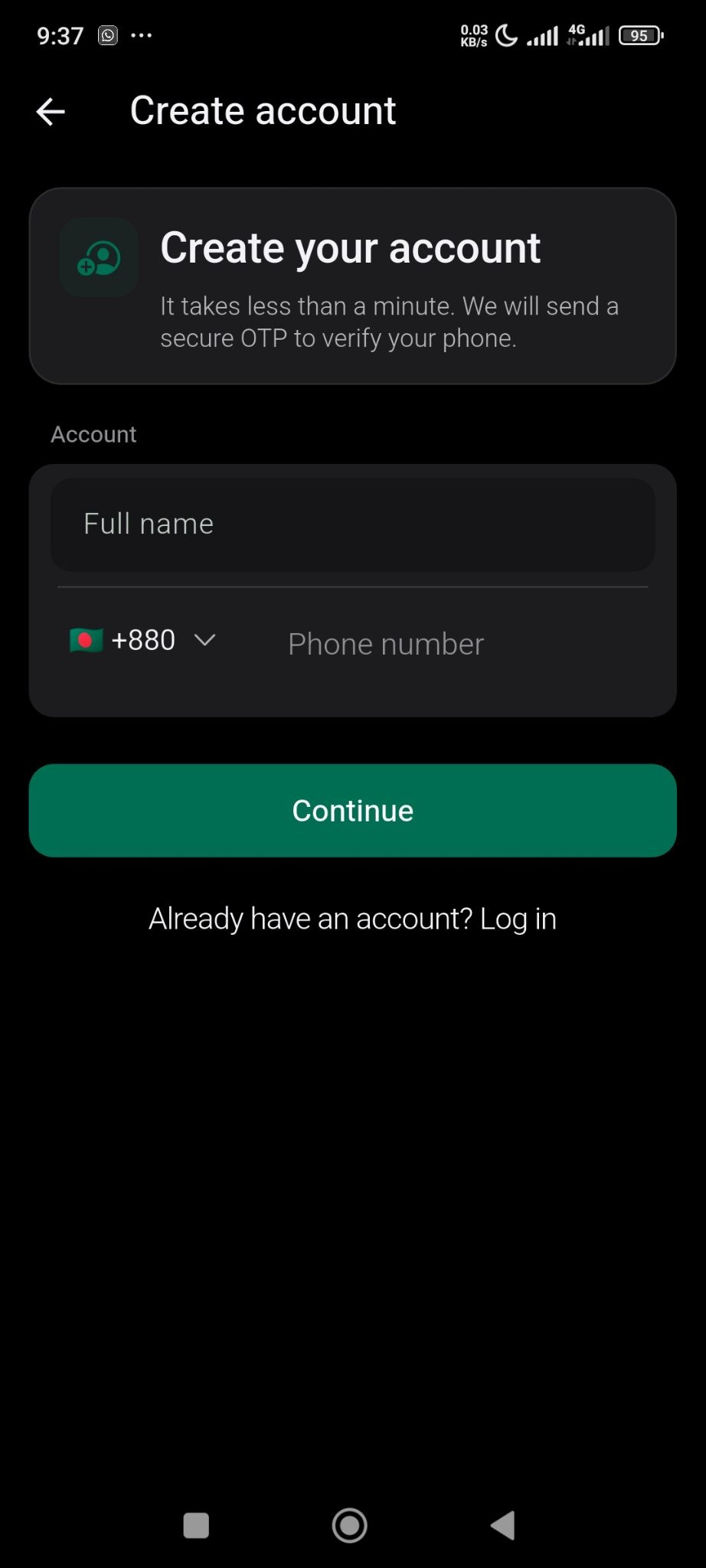
Then you need to add your number-
You will be sent an OTP, to enter your shop-
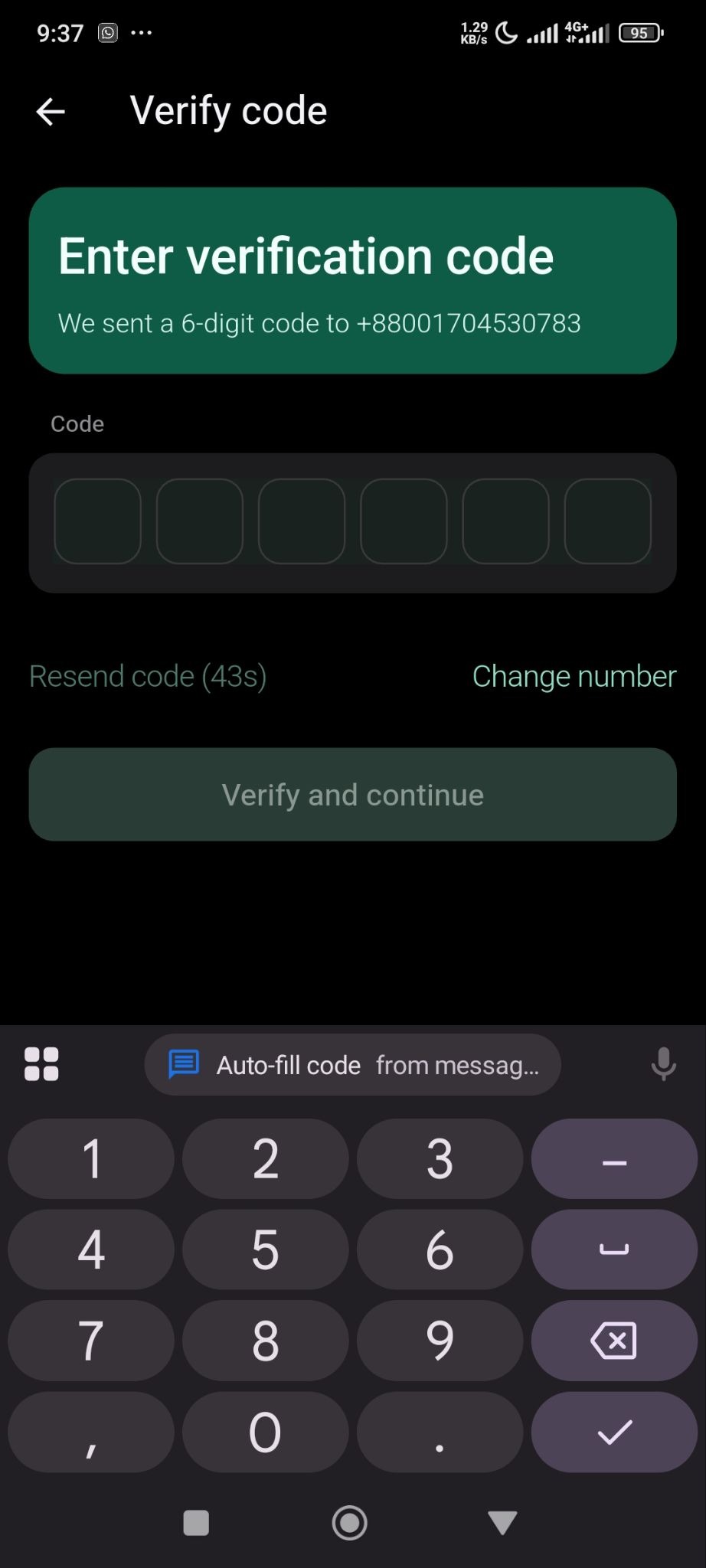
After adding the verification code your account will be created. Then you need to create your shop-
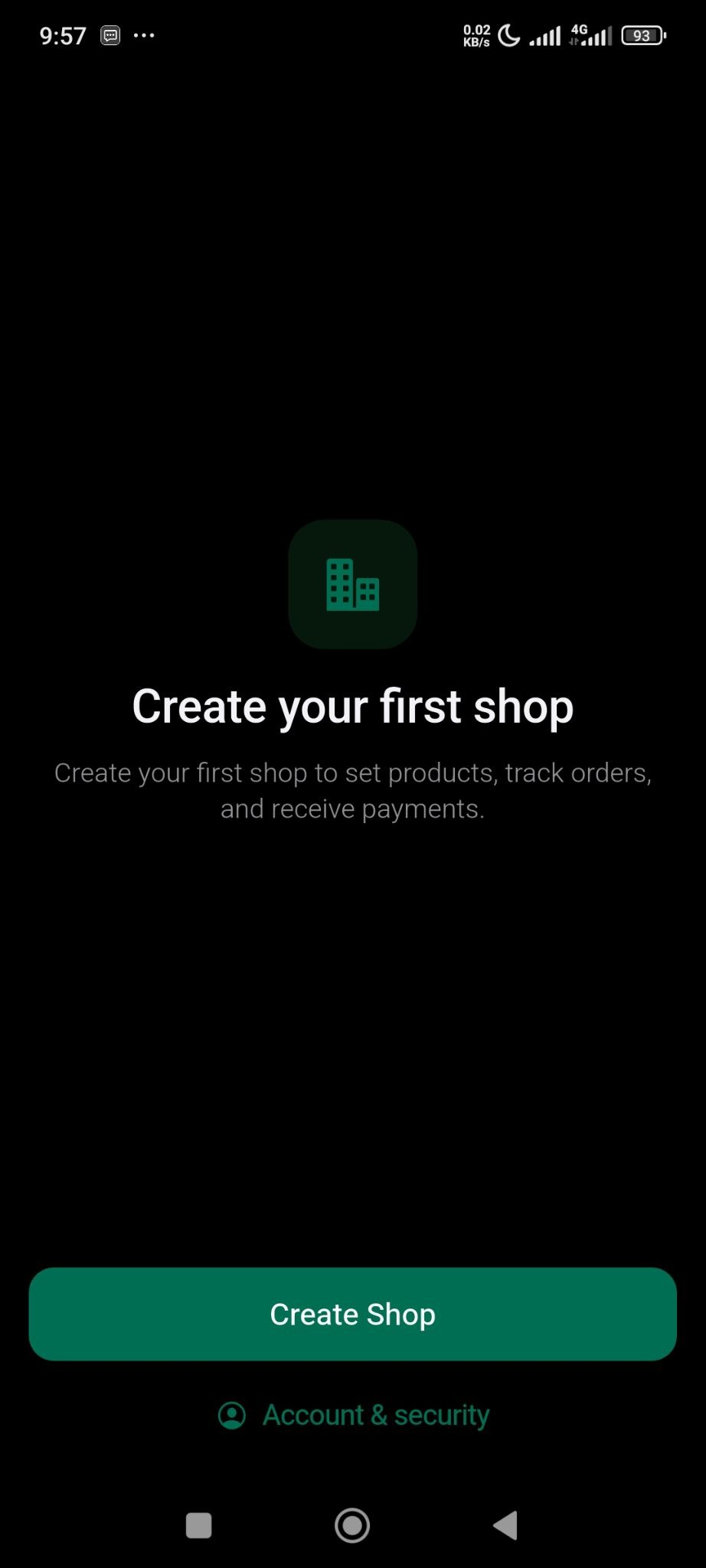
For that you need to add your Shop name, country, currency-
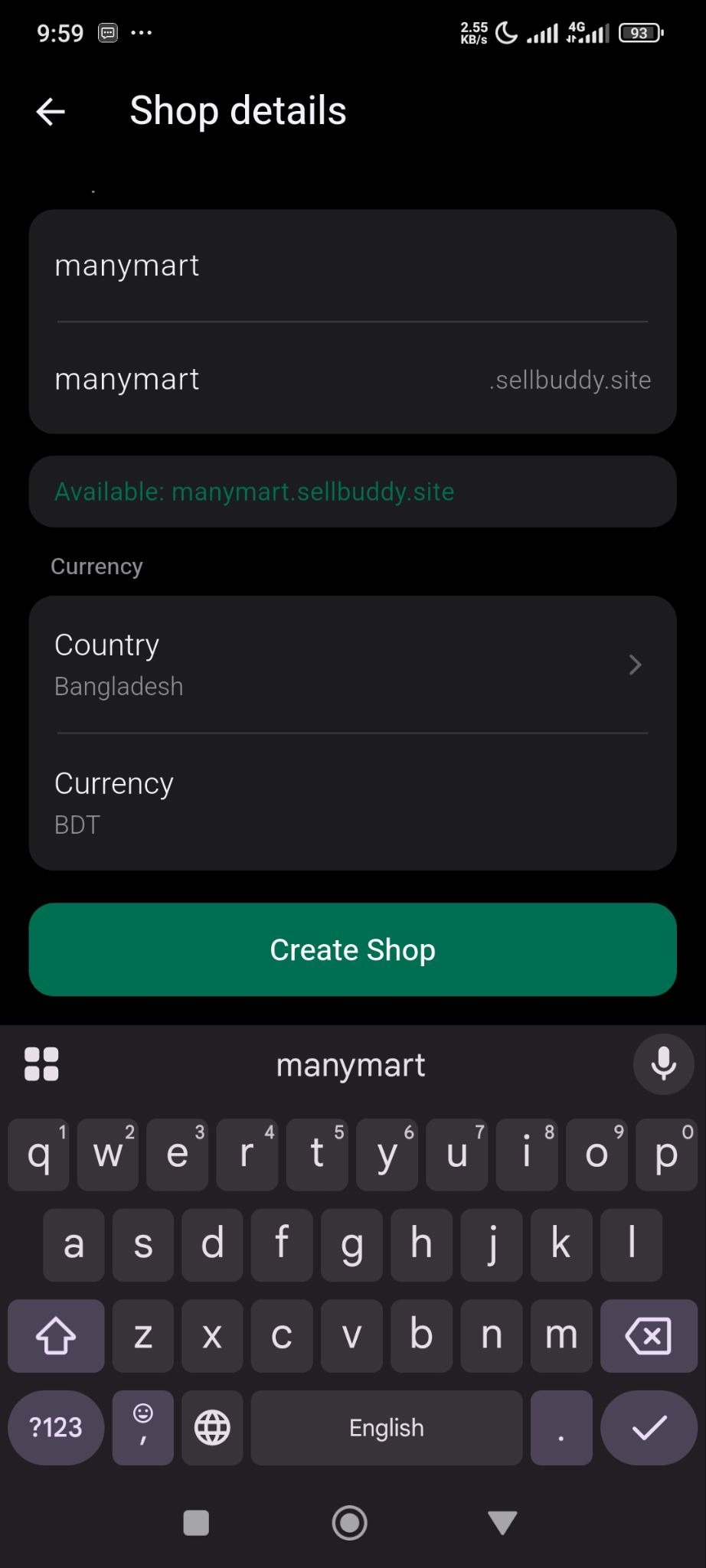
Then click on the Create Shop button to finish.
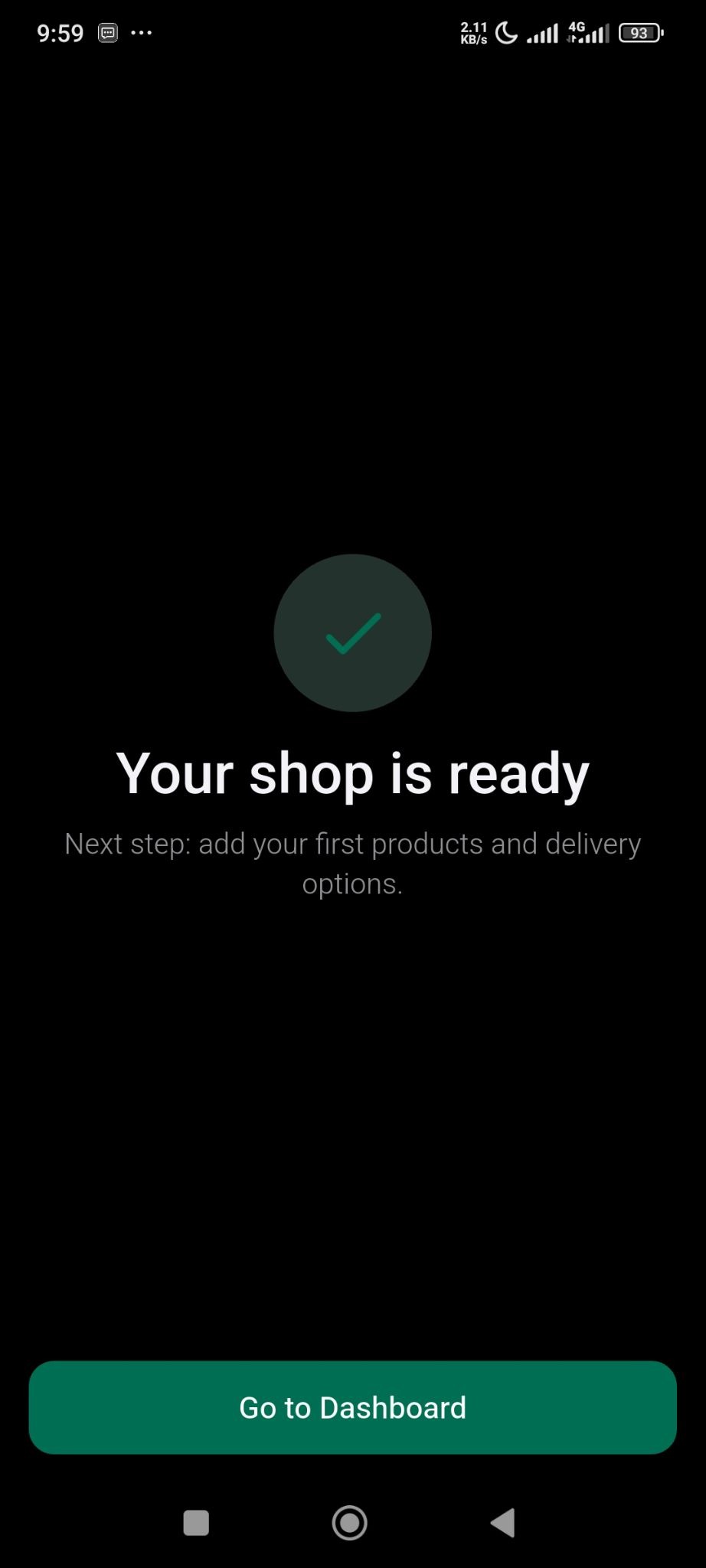
You will see the dashboard-
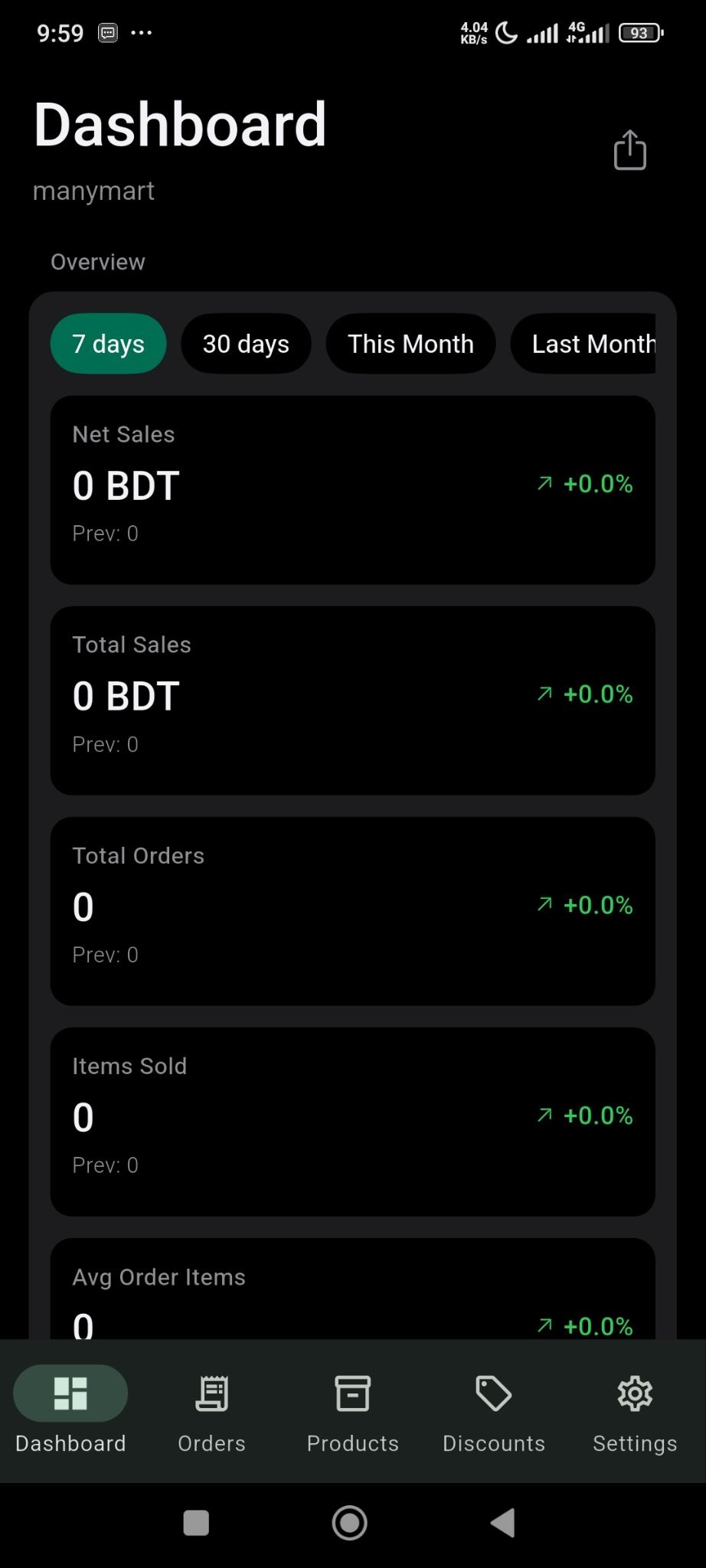
With all the details-
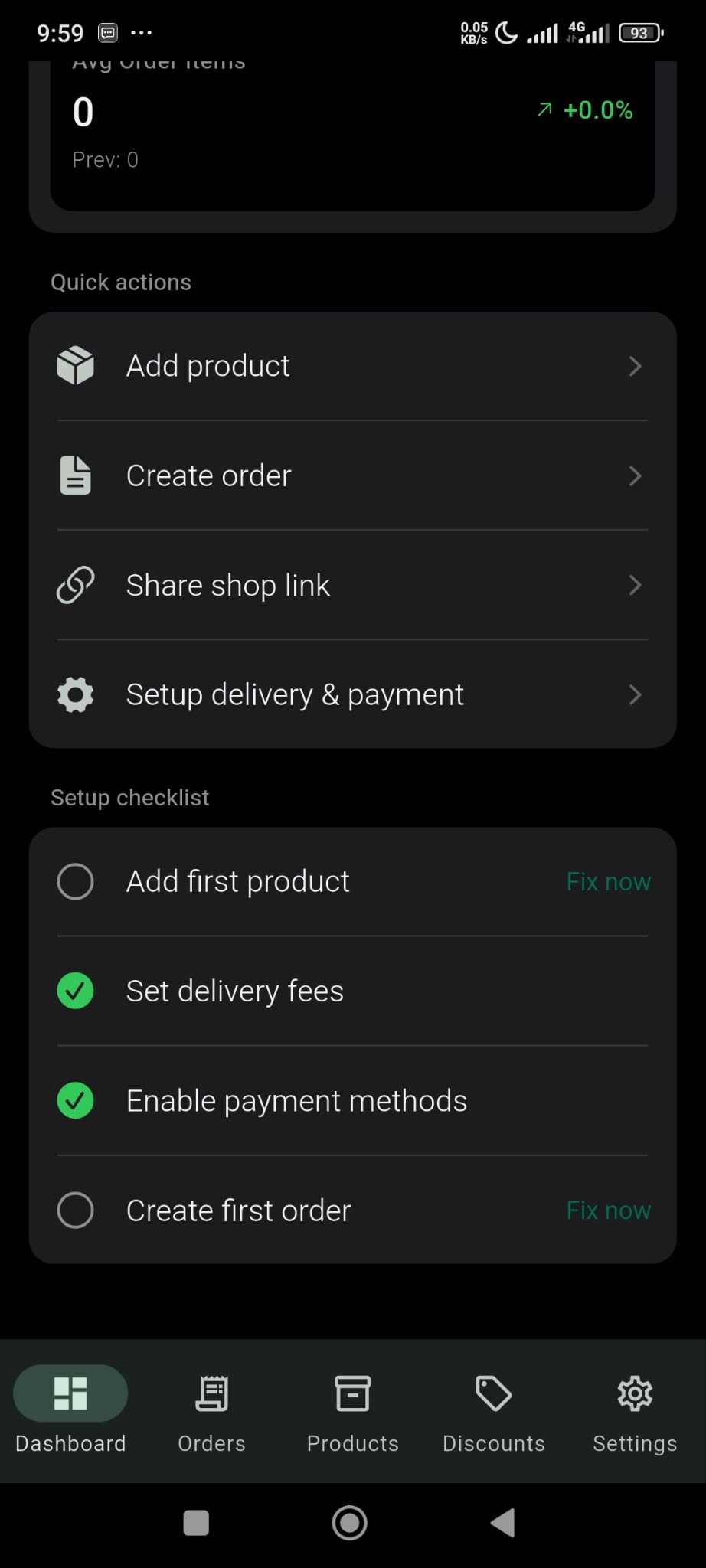
You are done.
