

Tax
This content is not available in your language yet.
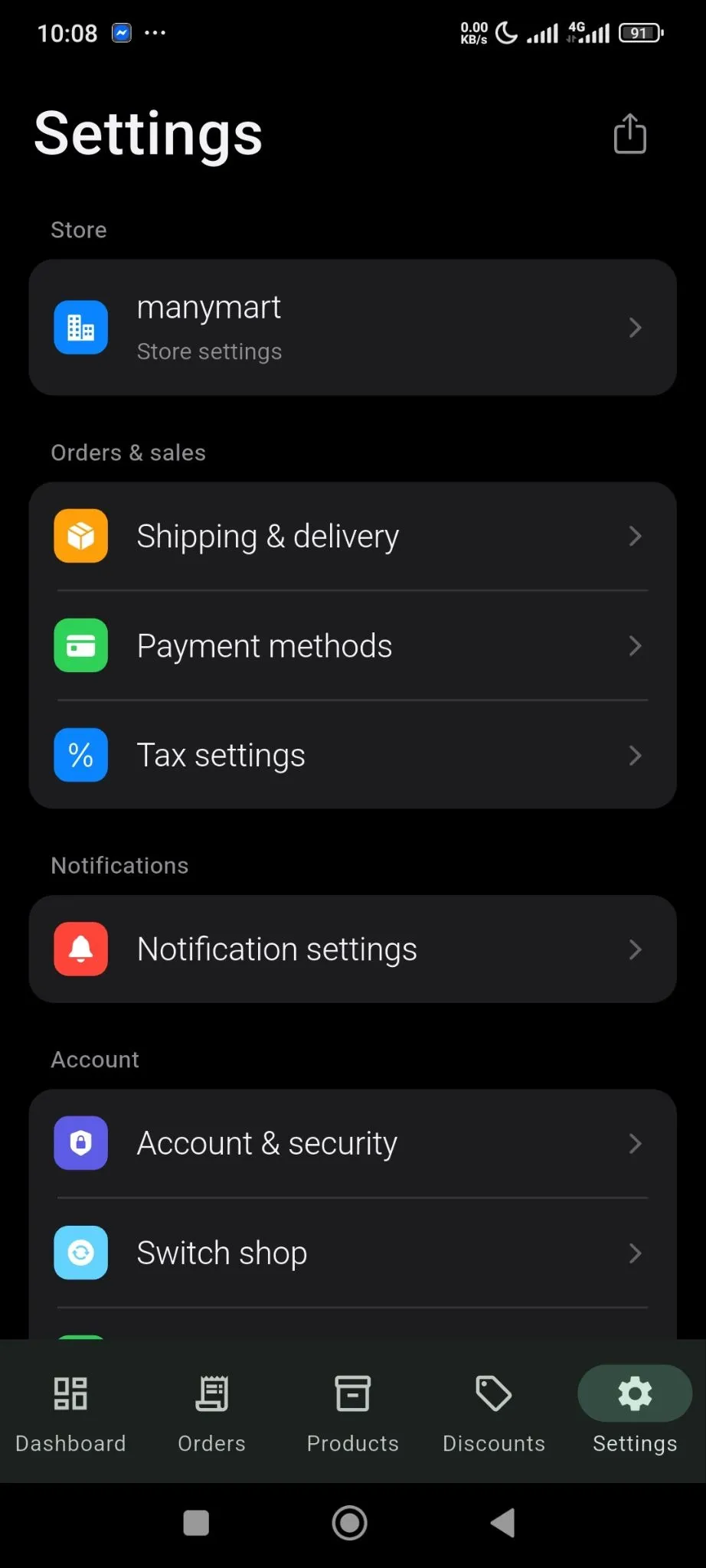
The tax setting is very straightforward in the SellBuddy app. From the Settings section, click on the Tax Settings option-
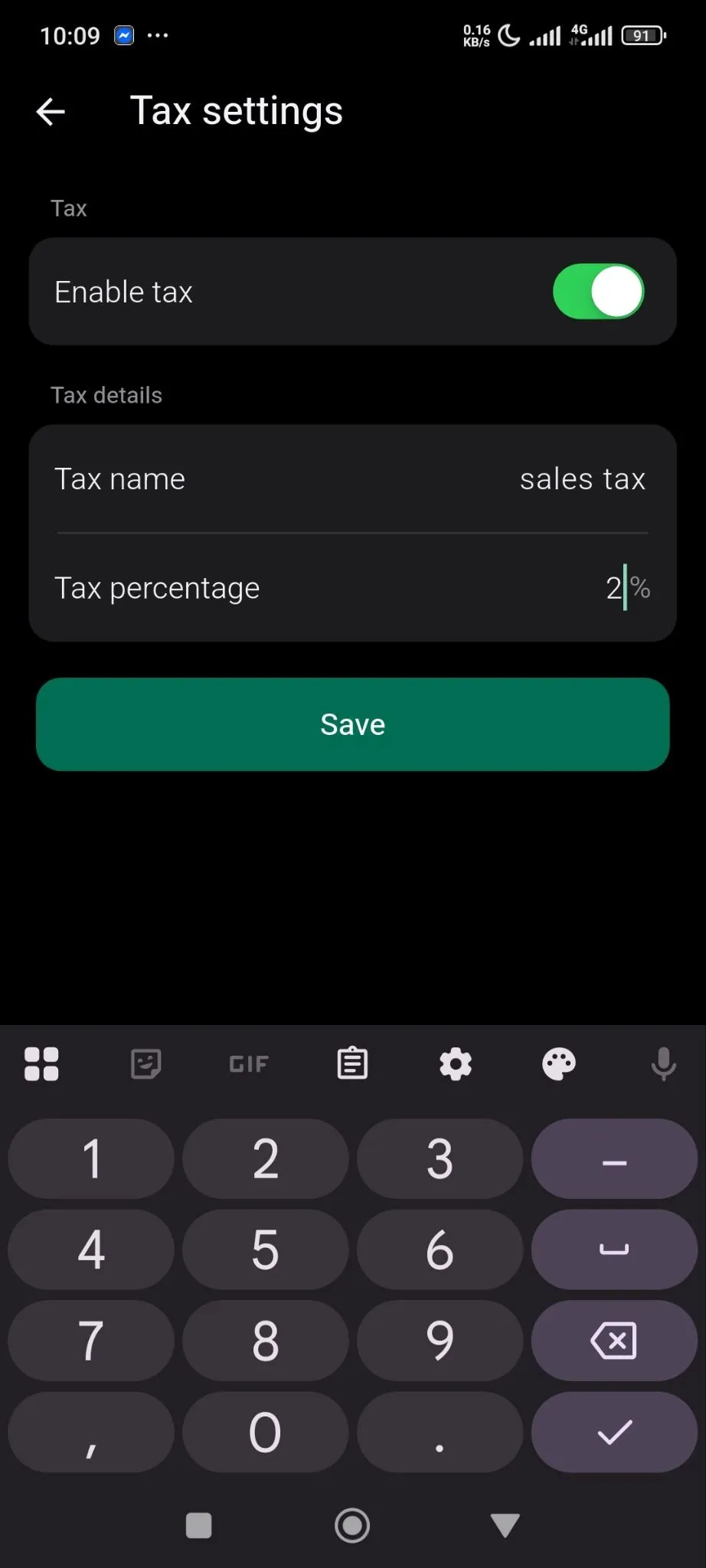
Toggle Enable Tax option,Tax Name, Tax percentage and save the changes-
That is how easy it is.